Table of contents
Clubs must keep their address, telephone number and email address valid and up to date at all times. Member Associations must ensure that their clubs’ address, telephone number, email address and training category are valid and up to date.
To check the training categories applicable to their association, Member Associations should refer to the training costs and categorisation of clubs as of 2026.
Failure to maintain accurate, complete and up-to-date club details is an offence subject to the administrative sanction procedure (ASP).
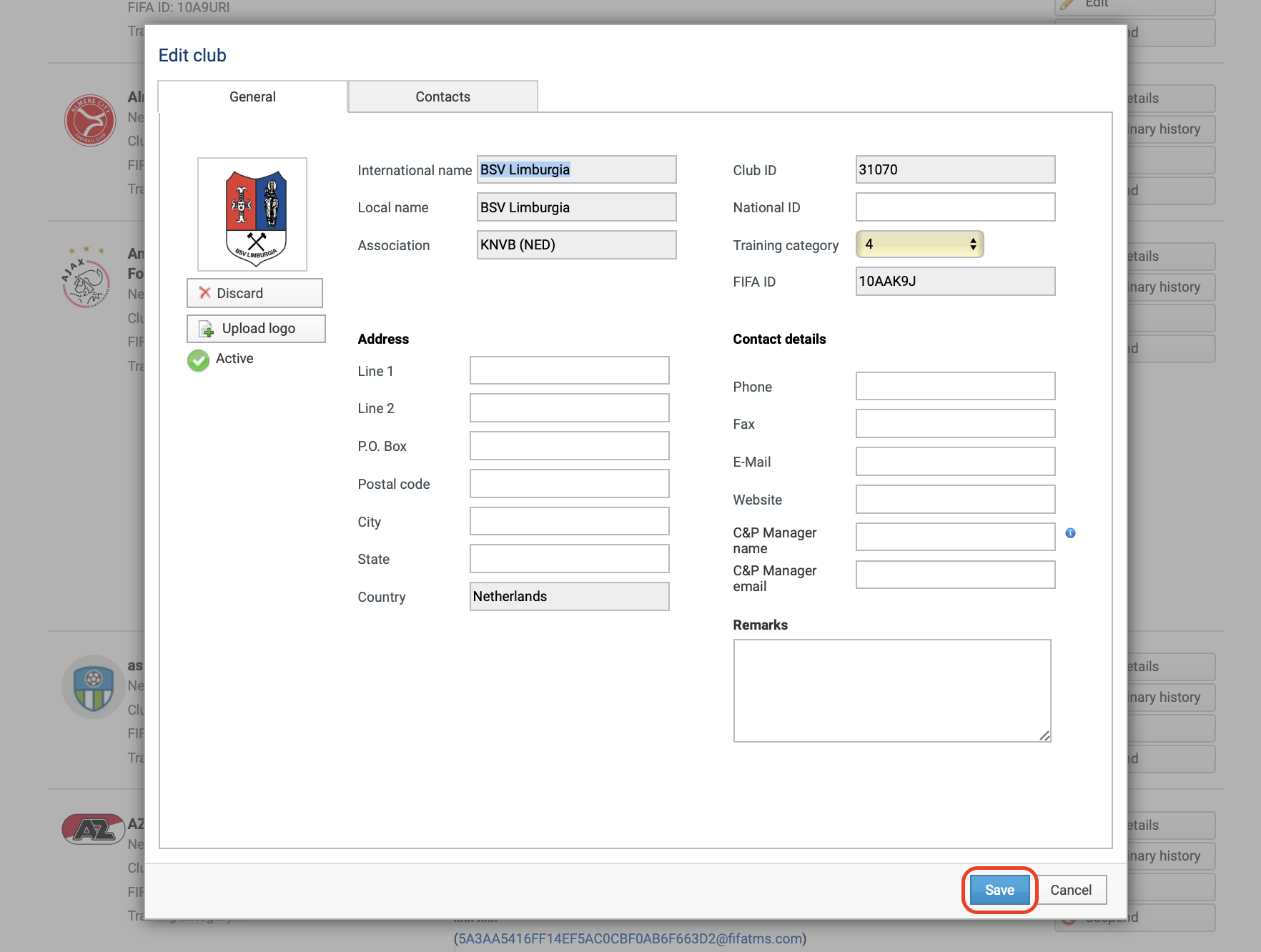
To edit the club details, search for the relevant club and click on “Edit”.

General club details: clubs with FIFA IDs
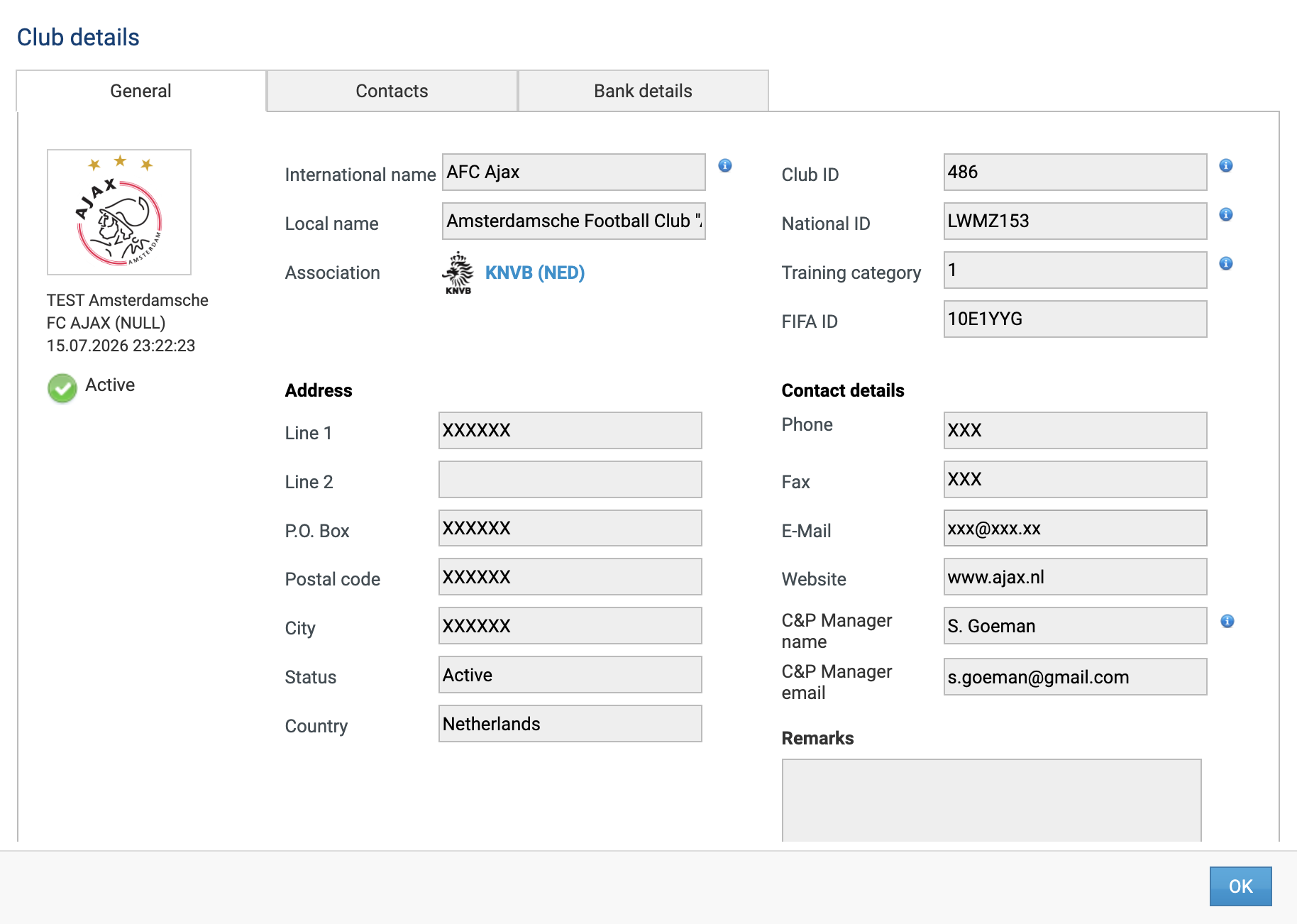
When the FIFA ID is assigned to a club in TMS, the club’s details in TMS will be updated according to the information in your National Registration System (NRS) (via FIFA Connect ID).
The following changes to a club’s details in your NRS are updated automatically in TMS within one hour.
Note: The club’s training category and the name and email address of its compliance and payment manager (C&P manager) are synchronised only if the Connect integration was expanded in accordance with the communication sent to Member Associations on 19 November 2024. If your Member Association has not implemented the synchronisation of clubs’ training categories via the FIFA Connect Interface, make these changes directly in TMS.
Any other details will not be updated automatically and must be manually updated in TMS.
Note: club synchronisation does not apply to Member Associations whose NRSs are not yet integrated with FIFA Connect ID.
General club details: clubs without FIFA IDs
In the “General” section, you can update the club’s general details, such as the training category (only the Member Association can amend this), the address, the general contact details, and the name and email address of the C&P manager. Click “Save” once you have made all the necessary changes.
To change a club’s name, contact the TMS Helpdesk with a formal request that clearly identifies the club, the information to be updated and the reason for the change. The request must be on the Member Association’s official letterhead and signed by the Member Association.
Note: The C&P manager must be an individual, not the club or a group within the club. The C&P manager defined in the club profile will be used for Clearing House processes if the club has no active TMS users (i.e. the club does not participate in TMS).
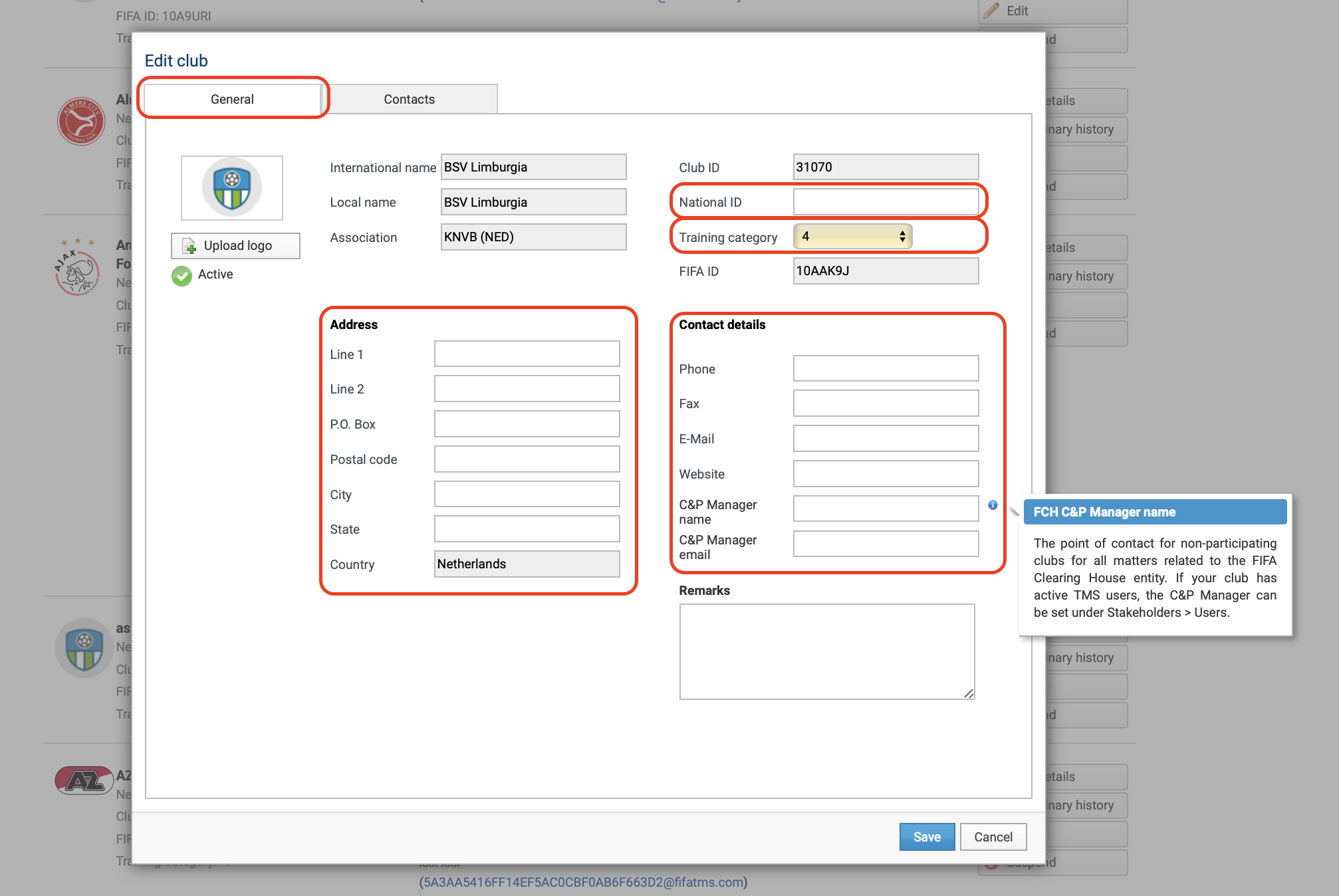
Member Associations must confirm the engaging club’s correct training category when confirming receipt of the ITC. If the training category is incorrect or missing, the Member Association must enter the correct category before confirming receipt of the ITC.
Updating club logos
Member Associations are responsible for updating the logo on behalf of their affiliated clubs.
Select “Upload logo” or “Change logo”, as applicable.
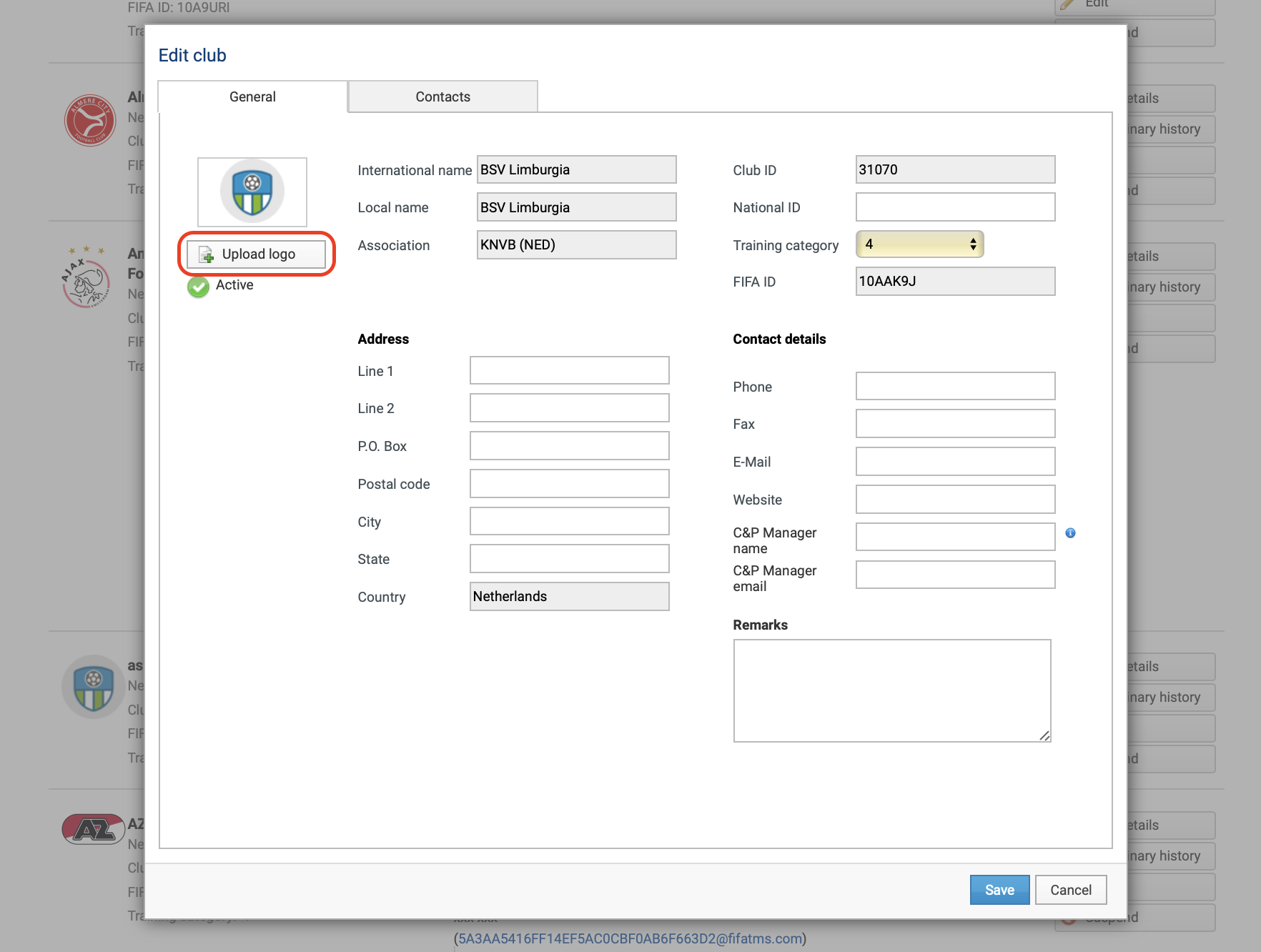
Upload the relevant logo and click “Save”. The logo must be a JPG or PNG file and no larger than 200 × 200 pixels.
“Contacts” section
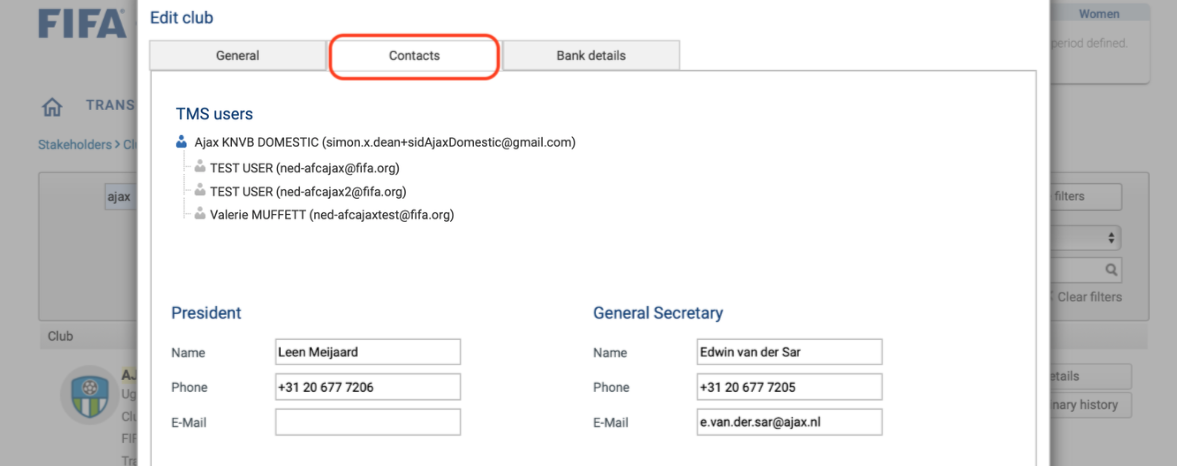
Under the “Contacts” section, you can view the TMS users assigned to the club as well as the contact details of the club president and general secretary.
The club or its Member Association can update the information about the club president and general secretary.
To make changes to the list of users or their details, see the sections under “User management”.
“Bank details” section
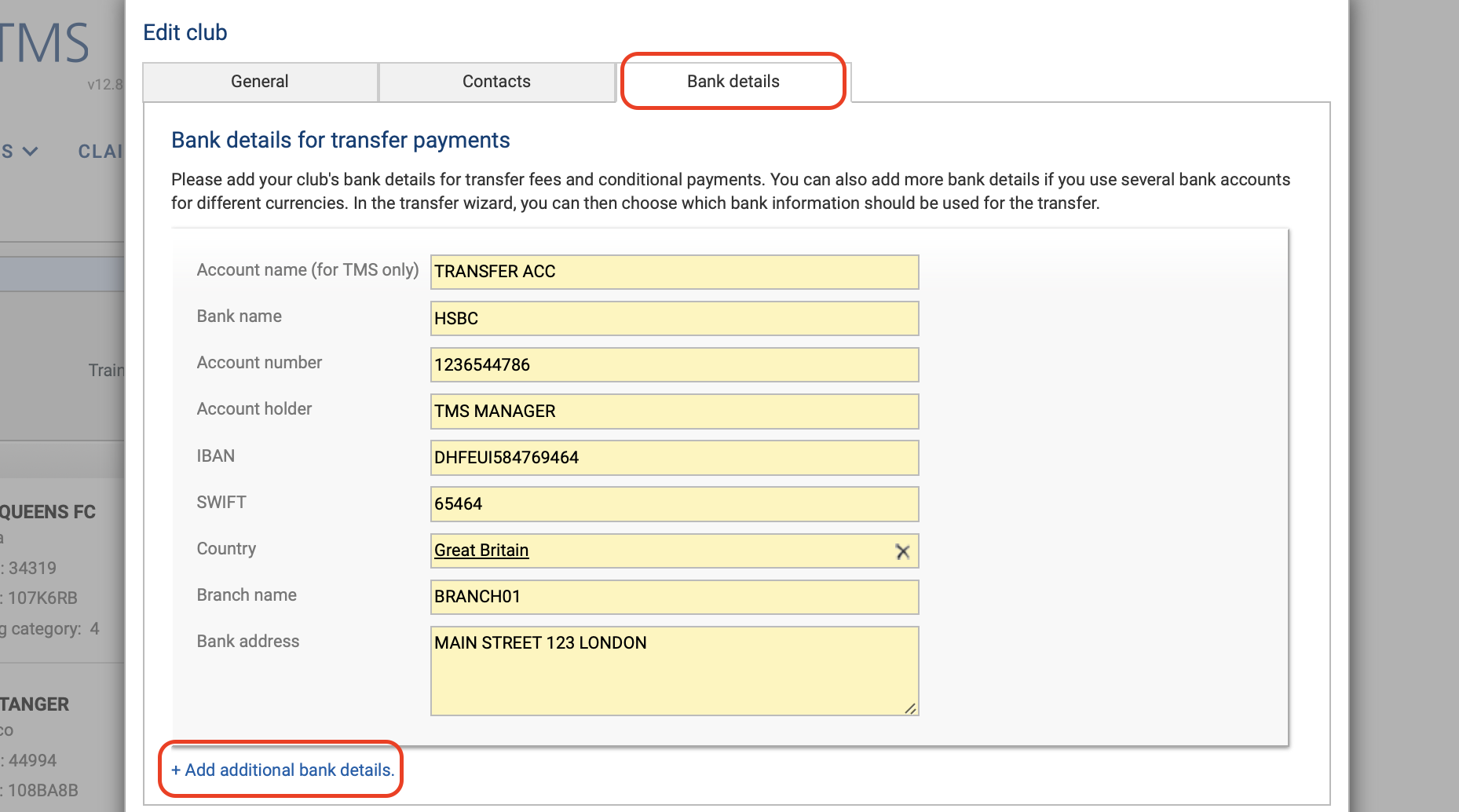
Under the “Bank details” section, you can review, add or edit the bank details used for transfer payments in the club profile. These details are visible to all stakeholders in TMS.
Clubs may have several bank details for transfer payments. Additional bank details may be entered by selecting “Add additional bank details”.
Complete the bank details for transfer payments before entering the club’s bank details in a transfer instruction that includes club-to-club payments.
Note: FIFA recommends using Google Chrome to modify bank details in TMS.